LumenCam · macOS 14+ · coming soon
A spatial camera for the Mac. You're cut out of your room; your apps float around you as glass panels; you move them by hand. Any webcam. Records in 4K, exports vertical, works in any call.
Real capture, built-in MacBook camera, no headset, no green screen — sped up 1.6×
What it does
Every screen recording and every call still looks like that. LumenCam puts you in the scene and puts the content around you, the way Vision Pro demos look — with the webcam you already have.
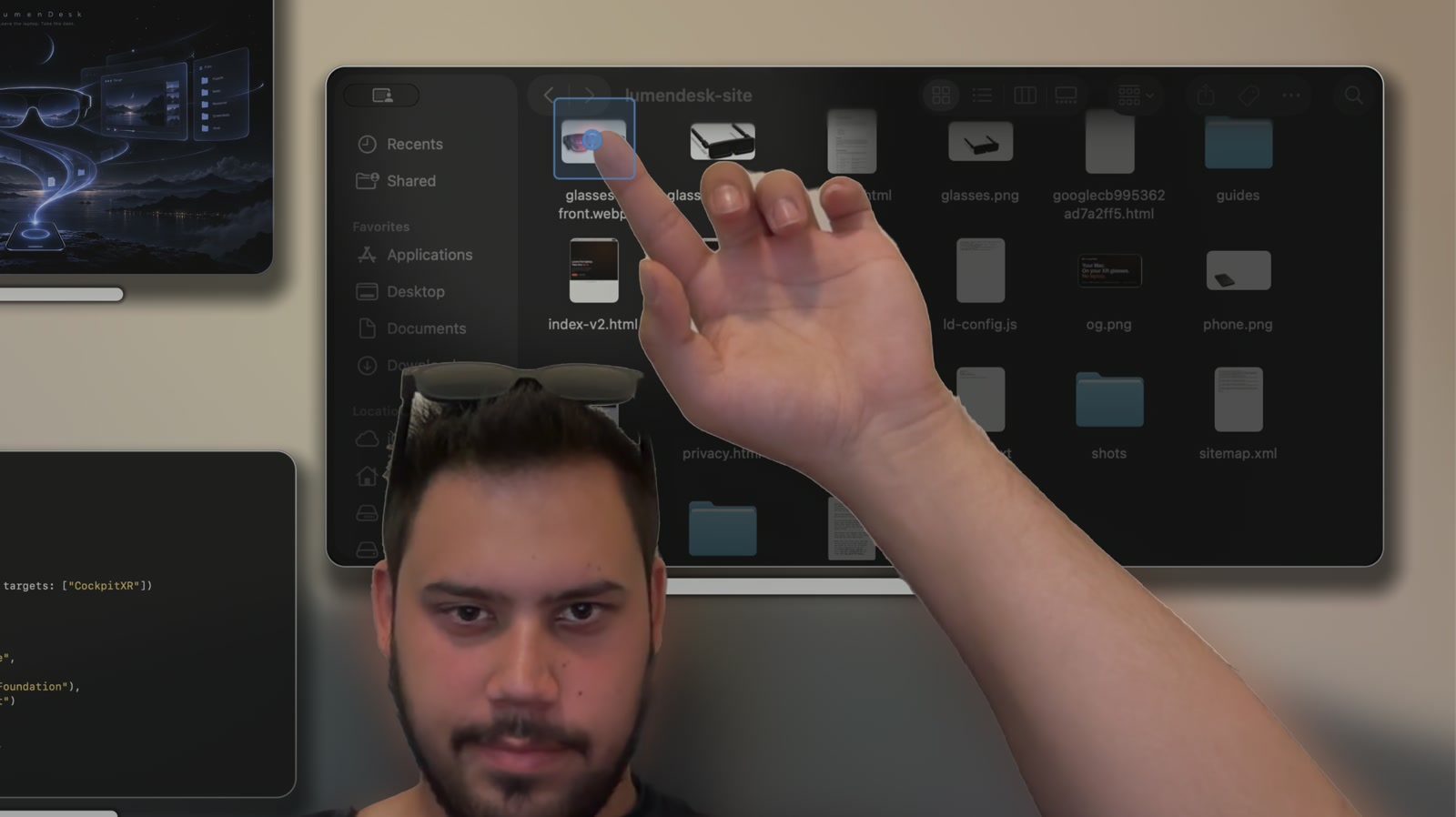
An on-device matting model cuts you out of the room, hair and all. Windows sit behind you as frosted glass; your hands stay in front of them.
Pinch a panel and move it. Bring it closer to grow it. Flick it and it springs home. Point, and a spotlight follows your finger.
LumenCam records the scene, not just pixels: camera, matte, every panel stream and every gesture, separately.
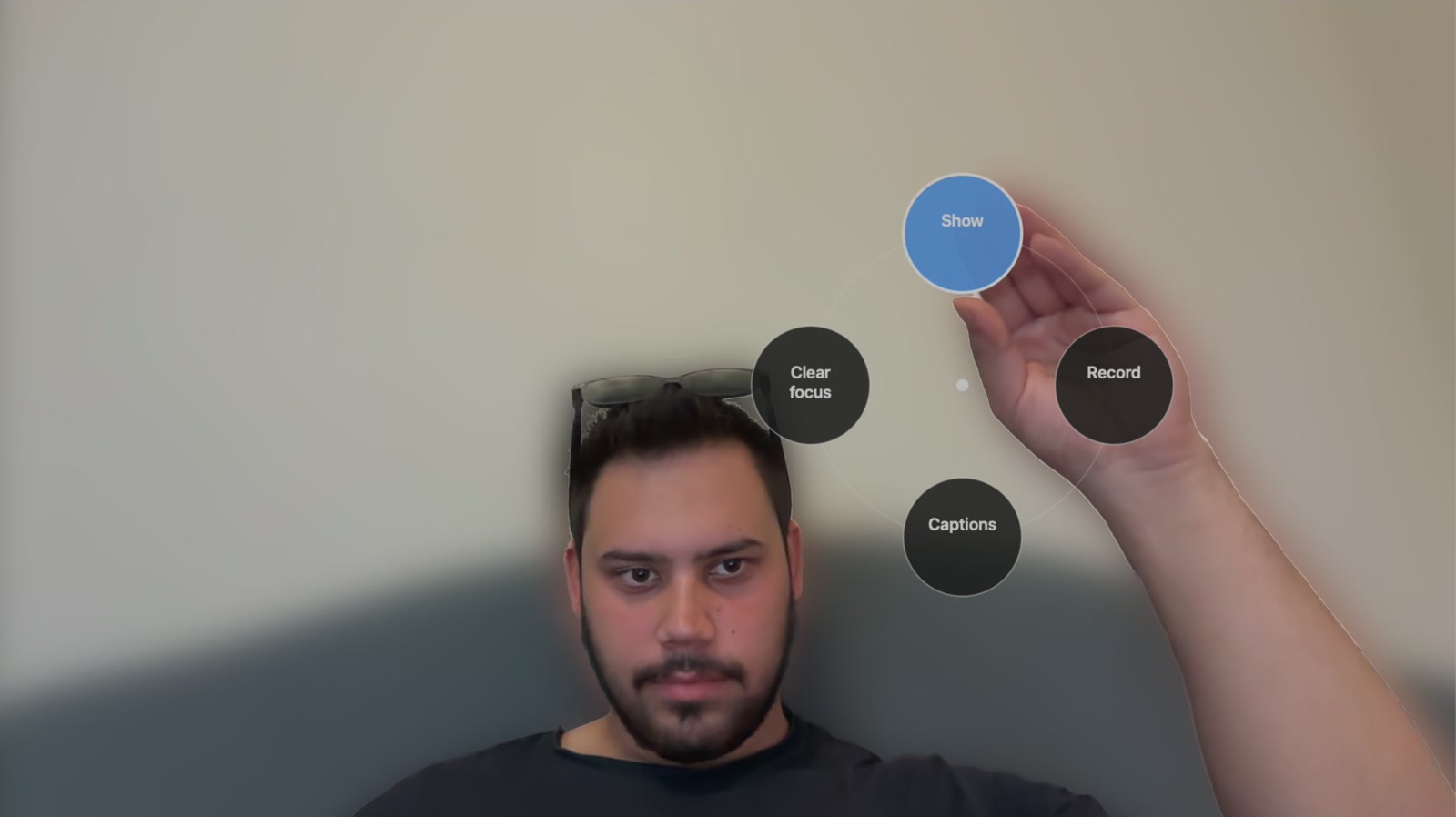
iPhone remote
Scan the QR code LumenCam shows you and your iPhone becomes a control surface on the same Wi-Fi: record, drop chapter markers, hide or show everything, focus a panel, turn pages — and read your notes off a teleprompter that scrolls at your speed.
How it works
Everything runs on Apple silicon: Apple's Vision framework and a CoreML matting model for you, ScreenCaptureKit for the windows, Metal for the glass. The camera is your MacBook's, or your iPhone over Continuity Camera.
lumencam:// URL scheme, scene files, and a phone remote over Wi-Fi. Other tools can use LumenCam as their stage.Coming soon
It's in the final stretch. The download and pricing will be on this page on launch day.
LumenCam is made by one person in Vancouver. Tell me what you'd record with it — the roadmap is shaped by e-mail.
 LumenCam